To learn to code, choose one language for a small project, use one structured course and spend time writing and changing programs yourself. You do not need to buy a bootcamp or master several languages before you can make something useful.
Use the Tech for Beginners roadmap to explore coding foundations, learning paths, courses and responsible computing from a clear starting point.
The difficult part is often deciding what to ignore. A beginner can spend weeks comparing tools without getting feedback from a single working program. Start with a narrow goal and let that project guide what you learn next.
In her original article, Arianna described benefiting from traditional education alongside practical projects, and using resources including freeCodeCamp, DataCamp and edX. That is one learning history, not a requirement to use all those platforms. Your best starting route is one you can access and sustain.
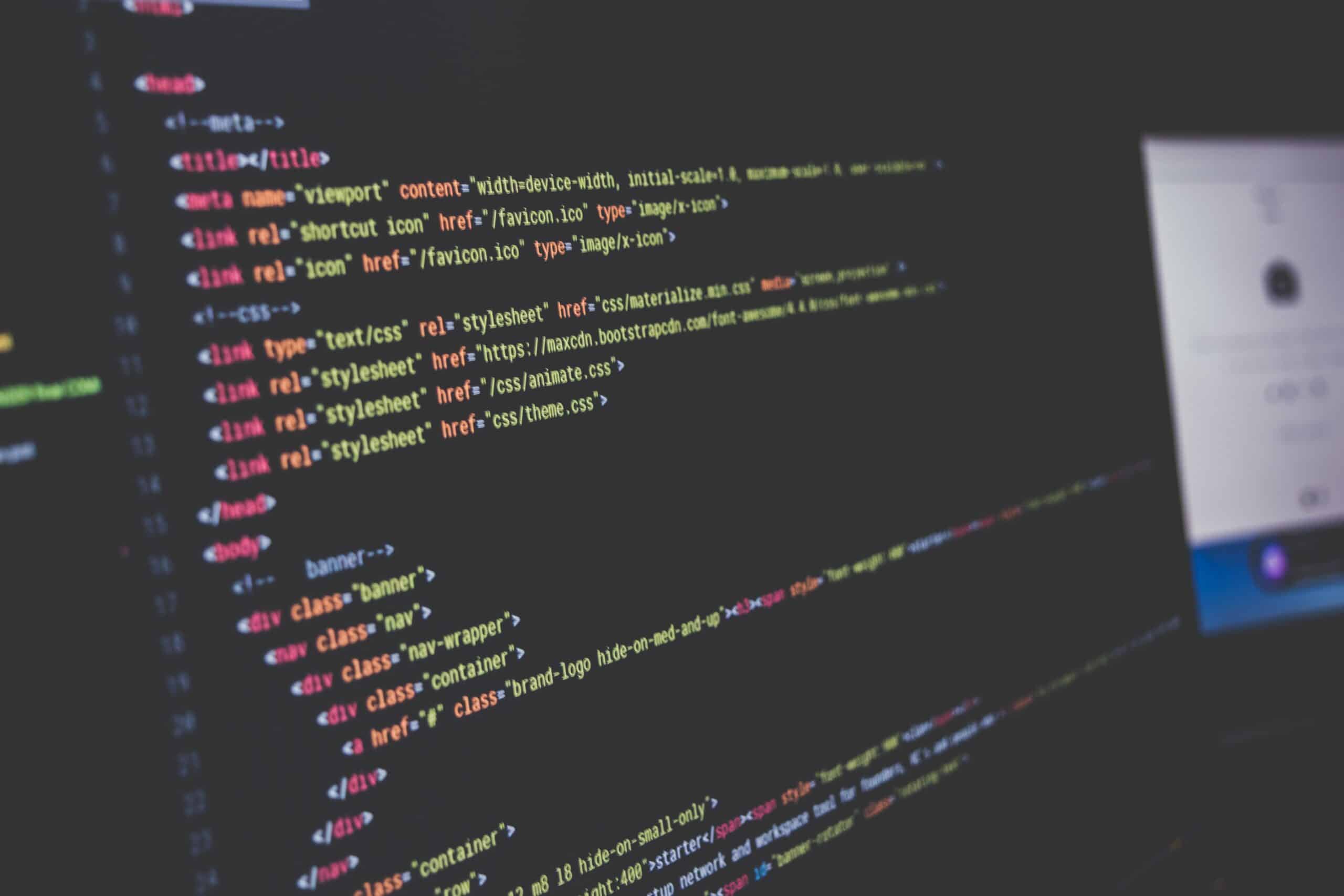
Choose your first language around a task
| What you want to build | A sensible starting route | A small first project |
|---|---|---|
| A simple website | HTML for structure, CSS for styling, then JavaScript for behaviour | A one-page study resource |
| A tool for data or repetitive tasks | Python | A study-time summary or file-name checker |
| Something for a particular course | The language and tools specified by your course | A smaller version of a taught example |
HTML and CSS are not general-purpose programming languages, but they are a useful starting point for web development. If you are undecided, choose either a simple web page or a small Python program. You can change direction later with a better understanding of what you enjoy.
Pick one structured learning resource
MDN’s web-development learning material offers a route through web fundamentals. CS50’s Introduction to Programming with Python is another starting option for Python. Read the course introduction and try the first exercise before committing to a schedule. Course completion is a milestone, not a promise of employment.
Keep a separate note for other interesting courses. Switch only when you can name the problem with the current one: an inaccessible format, missing prerequisite or a project that does not fit your goal. Feeling confused by a new concept is not automatically evidence that you need a new platform.
Set up only what the first exercise needs
Follow the course’s installation instructions for your operating system. Some courses provide a browser environment; others use a local editor and interpreter. Either can work. Test the setup with a tiny program before installing additional extensions.
Use a dedicated practice folder and clear filenames. Save frequently and keep a backup through an appropriate service. Do not upload passwords, private datasets or university research material to a public code repository. The study tools guide can help you choose supporting tools once you know what is missing.
A four-week starter plan
Treat these as stages you can stretch, not a deadline for becoming a programmer. Three short sessions a week might be manageable; your circumstances may require a different rhythm. In each session, reserve time to write code without copying every line.
| Stage | Learn | Make something work |
|---|---|---|
| Week 1 | Values, variables, input and output | Display and change a few study-session lengths |
| Week 2 | Conditions, loops and collections | Calculate a total and classify sessions |
| Week 3 | Functions and basic tests | Put repeated steps into a function; test known examples |
| Week 4 | Combine and explain | Finish a small tool, handle an edge case and write usage notes |
Try this first Python project
This program totals study sessions recorded in minutes. Run it as a Python file, then change the list of sessions. The checks at the bottom verify two known answers. They are basic development checks, not a complete test suite.
def total_study_minutes(sessions):
    total = 0
    for minutes in sessions:
        if minutes < 0:
            raise ValueError("Session length cannot be negative")
        total += minutes
    return total

sessions = [25, 40, 15]
print(f"Study time: {total_study_minutes(sessions)} minutes")

assert total_study_minutes([25, 40, 15]) == 80
assert total_study_minutes([]) == 0
Next, try three changes: add another session, calculate the total in hours, and deliberately enter a negative duration. Explain why the error appears. This version expects numbers; accepting and validating text input would be a separate extension.
A useful project is small enough to finish and specific enough to test. Avoid turning the first version into an app with accounts, a database and a dashboard. Add one feature only after the previous version works.
Use a repeatable debugging routine
- Read the complete error message and locate the line it names.
- Describe what you expected and what actually happened.
- Inspect the relevant values with a temporary print statement or debugger.
- Reduce the problem to the smallest example that still fails.
- Change one thing, rerun the example and keep a note of what fixed it.
When asking for help, include the small example, the error text and what you tried. Remove secrets and identifying data first. A clear question is easier to answer than “my code does not work,” and making the example smaller may reveal the problem yourself.
Move beyond copying tutorials
After a lesson, close the finished solution and rebuild a smaller version from notes. Change the inputs or one requirement. If you cannot explain a line, trace it with a tiny example. This is more informative than replaying an entire course because the first attempt felt uncomfortable.
Keep a short learning log: what the program should do, what confused you and the next experiment to try. The student planning techniques can help you fit that practice around other commitments.
Use AI assistance with checks
An assistant can explain an error or suggest a test case, but it can also produce plausible code that is wrong. Ask for a hint, predict the result and run the code yourself. Do not submit generated work where your course rules prohibit it, and do not share confidential code or data with an unapproved service.
Once you can build a working solution, the green coding experiments show how to compare implementations for correctness, runtime and memory. Start with correctness; speed is not useful if the answer changes.
How long does learning to code take?
A small program can be an early achievement. Becoming confident across unfamiliar problems takes continued practice, feedback and projects. The time varies with your goal, starting knowledge and available study time. Be cautious of promises that a fixed number of hours guarantees a job.
Do I need strong maths skills?
Many beginner tasks use basic arithmetic and logical steps. Some later fields, such as machine learning or graphics, require more mathematics. Learn the maths needed for the work you choose rather than treating every advanced topic as an entry requirement.
What should I do today?
Choose the project, open one course and run its first small example. Write down one thing you changed and what happened. That gives you a real starting point for the next session.
4 thoughts on “How to Learn to Code: A Practical Beginner’s Plan”
Comments are closed.